
hold / shortcut
Speak where you already type.
Hold Right Alt, or switch to toggle mode. The tray tells you when Vocalinux is listening, then text lands in the focused field.
Right Alt
the words go where you are already working
local Linux voice typing
Hold Right Alt. Text lands in the focused window. Local engines by default.
No account. One install command.
user@linux:~$ vocalinux
# audio stays on this machine
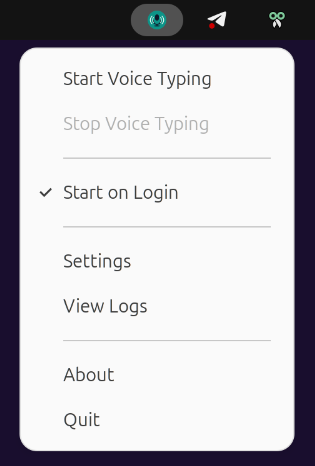
Vocalinux lives in the system tray, so dictation starts where your work already is.
hold / shortcut
Hold Right Alt, or switch to toggle mode. The tray tells you when Vocalinux is listening, then text lands in the focused field.
model / path
On-device mode is the default: download a speech-to-text model and process here. If you want shared compute, point Remote API at a server you run.
model and audio stay here
a server URL you configure
insert / desktop
Terminals, browsers, IDEs, and office apps on X11 or Wayland. Injection uses IBus when it is available, with clipboard fallback on unbridged compositors.
Local engines process audio on this machine. Remote API is optional and only talks to a server you configure.
C++ Whisper with Vulkan. Fast install, multi-vendor GPU.
Original OpenAI PyTorch path for NVIDIA CUDA workflows.
Small footprint for older machines and tight RAM budgets.
Offload to a server you trust while keeping desktop injection local.
Tray, settings, and dictation into a real editor. These are product states, not a dashboard mock.
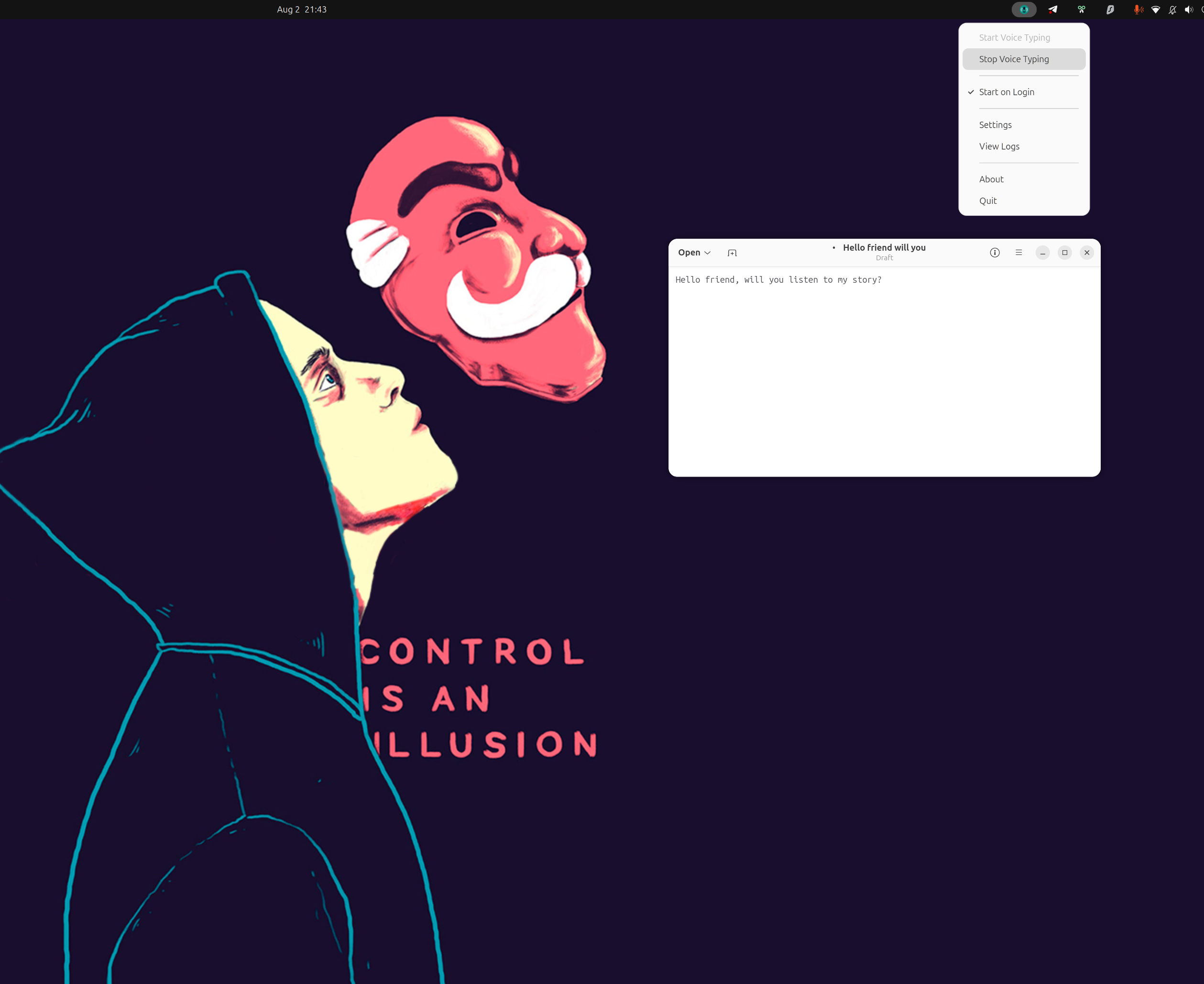
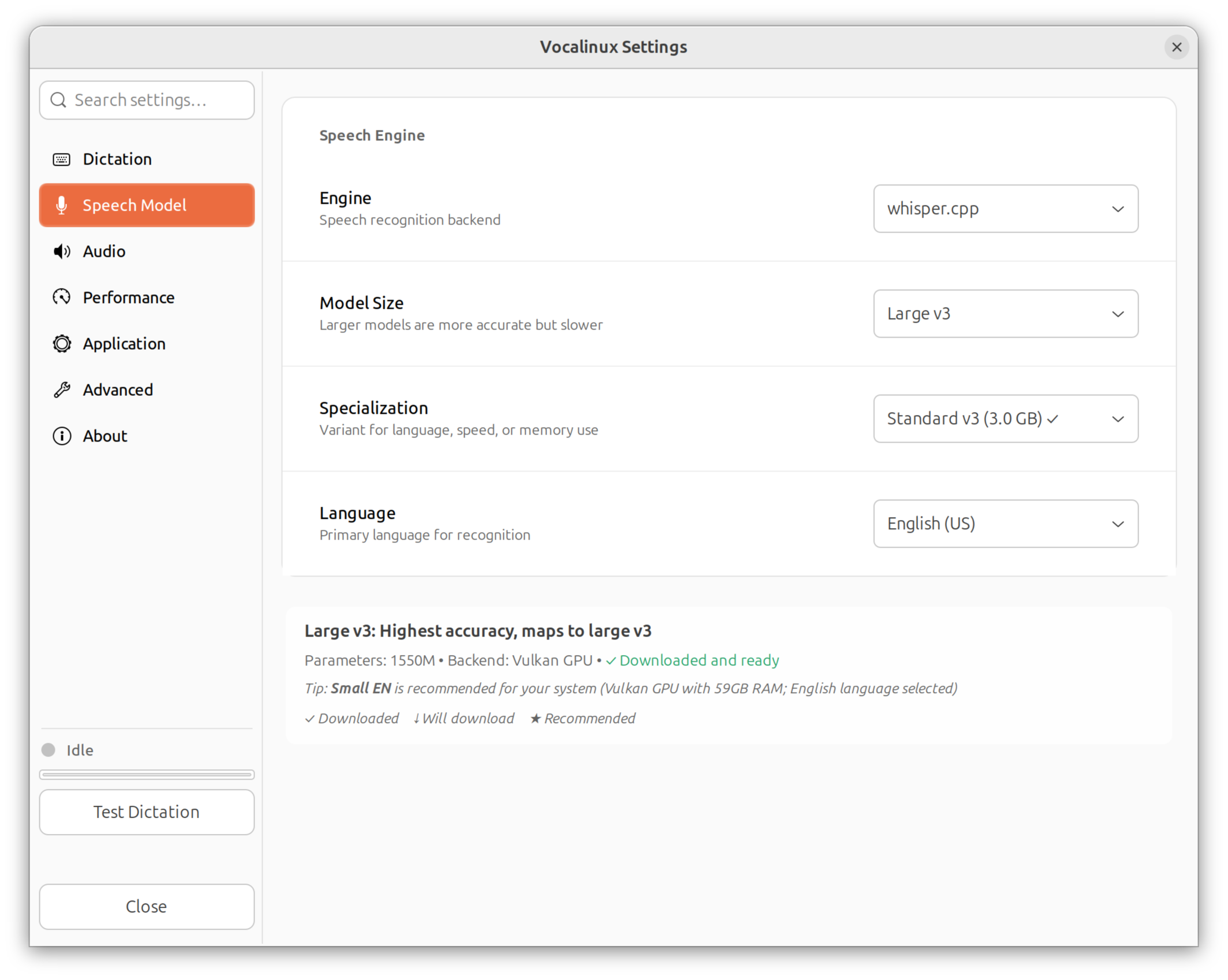
Vocalinux does not need a Voca cloud to transcribe. The important boundary is the engine you selected.
Remote API is a separate stop. If you configure a server URL, audio travels to that host and the transcript comes back. Use a trusted LAN, a private encrypted network, or HTTPS.
Default engines process audio on this machine. The installed app does not send usage telemetry.
Model and app downloads, plus any Remote API host you add. Nothing is sent to a Voca speech cloud.
The application is open source under AGPL-3.0. Settings, engines, and the injection path are in the repository.
The interactive installer detects hardware, lets you pick an engine, and wires the desktop app. Ubuntu, Fedora, Debian, Arch, and openSUSE.
user@linux:~$ curl -fsSL \
  https://raw.githubusercontent.com/VocaHQ/vocalinux/main/install.sh \
  -o /tmp/vl.sh && \
bash /tmp/vl.sh --interactive
Then launch vocalinux.
No installer
x86_64 or aarch64 from GitHub Releases. No root. Host text-injection tools are still required.
From source
Clone the repo and run ./install.sh. The install guide has the full source path.
Ubuntu guide · Fedora guide · Arch guide · All distro notes
user@linux:~$ curl -fsSL \
  https://raw.githubusercontent.com/VocaHQ/vocalinux/main/uninstall.sh \
  -o /tmp/vul.sh && \
bash /tmp/vul.shVocalinux is part of VocaHQ. This site is about the Linux app.
 LinuxYou are here
System tray app with whisper.cpp, Vulkan, and local engines on Linux.
 macOSBeta
Native macOS menu bar app. Offline voice-to-text with WhisperKit and CoreML.
 WindowsBeta
Unsigned Windows speech-to-text, v0.1.1-beta. SmartScreen may warn about an unknown publisher.
 iPhone + AndroidPhone beta
Android beta and iOS TestFlight. On-device first, gateway optional.
 InfrastructureBeta
Optional self-hosted speech-to-text on hardware you run. Not on-device.
Free and open source under AGPL-3.0. Local engines by default.
Then hold Right Alt and speak into the app already in front of you.